Renderbux
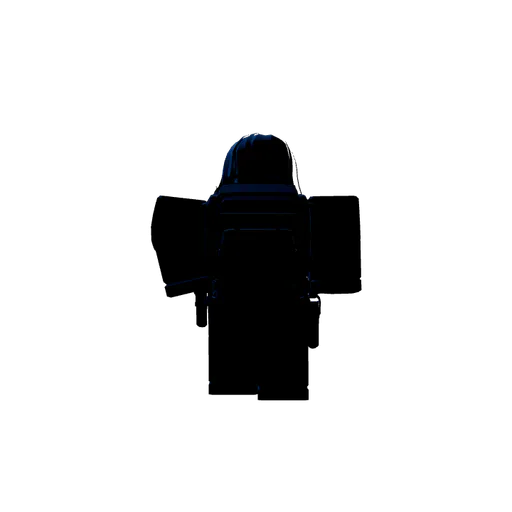
Death Stare preview

About “Death Stare” — a Roblox pose by @kfcgod57

Use 20 FOV and 8.5 Zoom to get the preferred camera shot, it should also be in a low close-up angle (a camera shot where the subject is framed closely while the This page has 3 views and 1 render export. Browse more Roblox poses or make your own render.

How to use “Death Stare

Open “Death Stare” in the browser studio to load the avatar rig, tweak limb rotation and lighting, then download a thumbnail-ready PNG — no Blender install required. Clone or remix this pose from the studio controls, swap in your Roblox username, and export for game thumbnails, YouTube thumbnails, or profile art.

Pose details

Title
Death Stare
Creator
@kfcgod57
Pose ID
menacing-stare-481204

About the creator

This Roblox pose was shared by @kfcgod57. Looking for more Roblox thumbnail ideas? Browse community poses on Explore, or start from a blank canvas and publish your own pose page like this one (menacing-stare-481204). Read the Roblox thumbnail guide or the GFX without Blender guide for more workflow tips.

FAQ about this Roblox pose

Can I reuse “Death Stare” for my own thumbnail?

Yes. Open the pose in RenderBux, load your avatar, adjust the camera and lighting, then download a PNG for game or YouTube thumbnails.

Do I need Blender to edit this pose?

No. RenderBux runs in the browser — posing, lighting, and export all happen on this page without installing desktop GFX tools.

Who created this pose?

Death Stare” was published by @kfcgod57 (pose ID menacing-stare-481204). Browse more of their work and other community poses on Explore.

Privacy · Terms · Explore poses

More Roblox poses by @kfcgod57

Browse community poses

Popular Roblox poses this week

See all popular poses