Loading the 3D studio for looking up (adjust the camera)
Loading looking up (adjust the camera)…
looking up (adjust the camera)
by @uhuhsure
5 views, 2 exports
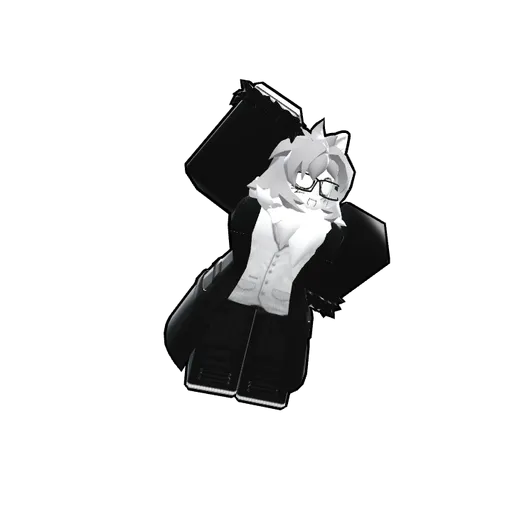
This Roblox pose features arms behind the body and a slight upward tilt, perfect for a profile picture or game thumbnail.